
Total Commander 64-bit (Remove or Repair) 11.58
by Ghisler Software GmbHinstaller signed by Ghisler Software GmbHValid
Sources: observed in the EchoTrail lab on Windows 11 on October 26, 2026.
The install
- Installer
- tcmd1158x64.exe
- Installed through
- the screenshot-and-model clicker
- Install directory
- C:\Program Files\totalcmd
- Launched
- TOTALCMD64.EXE
- Windows
- Windows 11
- Date
- October 26, 2026
- Executables dropped
- 23
installer sha256 2281f3827a8746a597a75287f521690f1291bdb535d7e1269768dbe077a13ed4
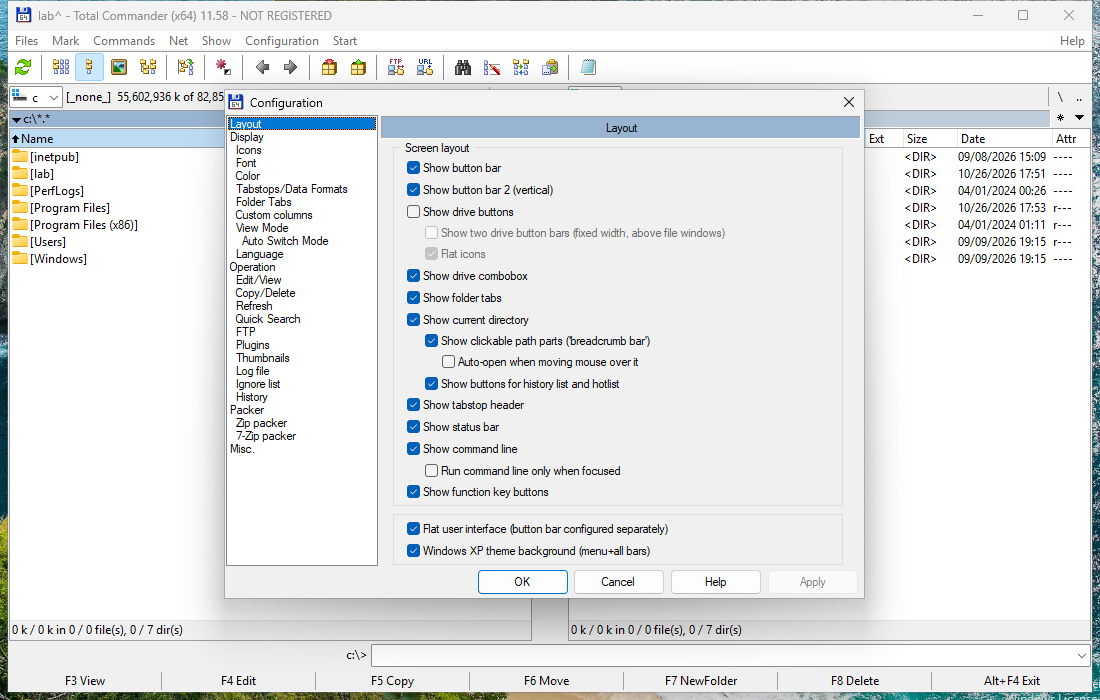
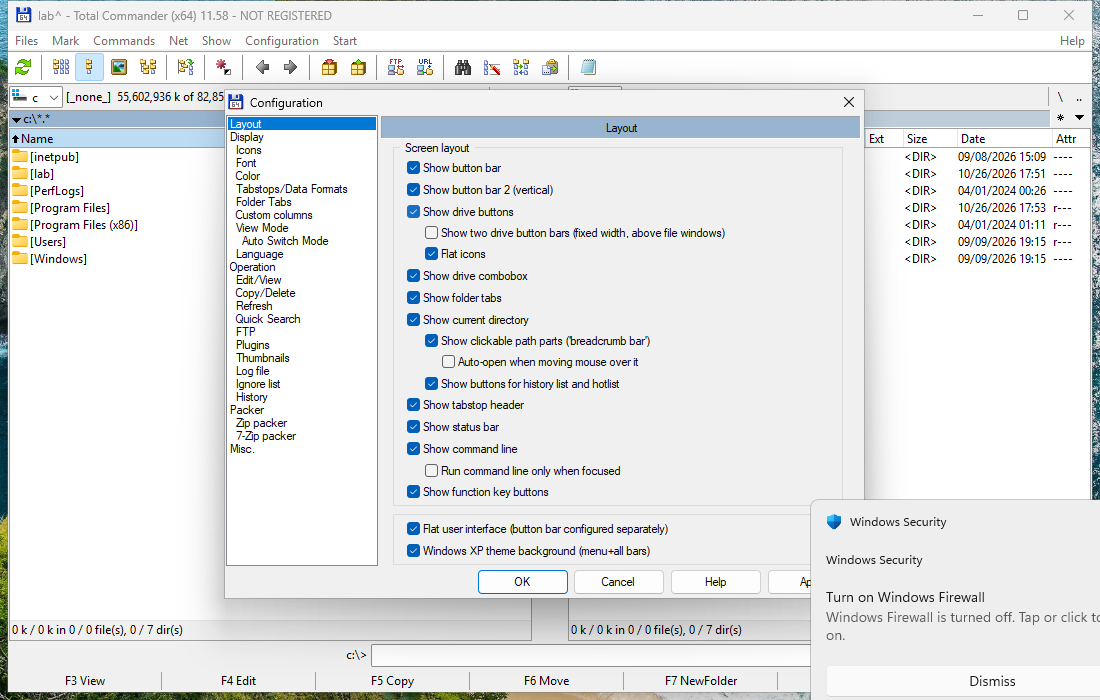
The lab used Total Commander 64-bit (Remove or Repair) for 2 minutes, changed a setting, ran its update check, then rebooted and watched what came back.
On screen
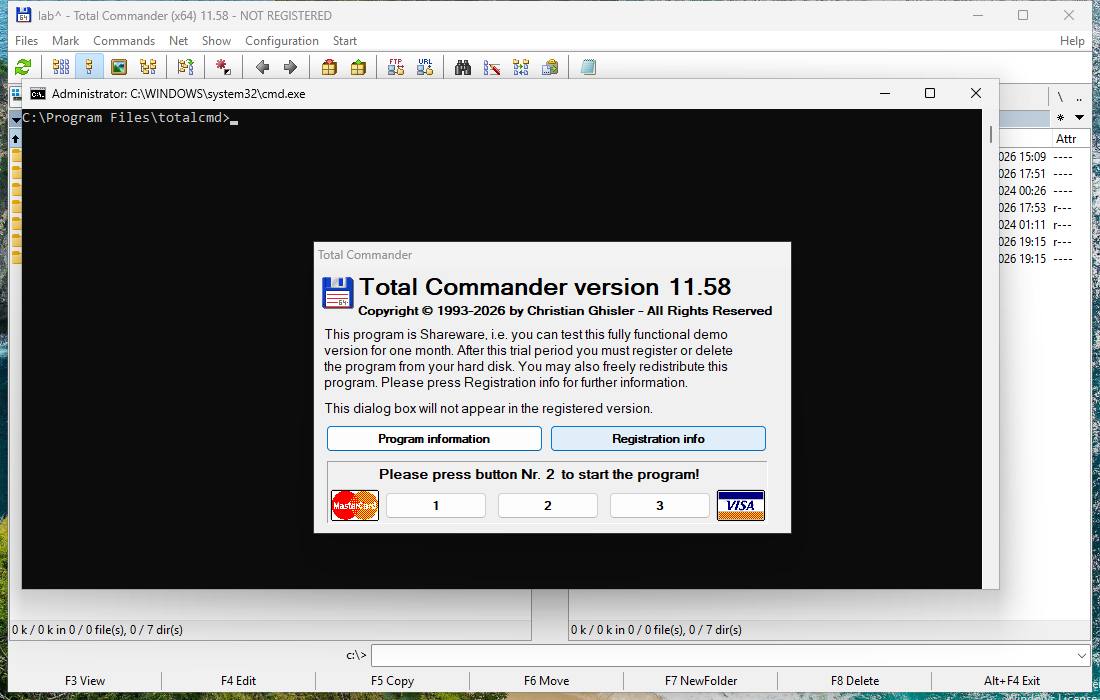
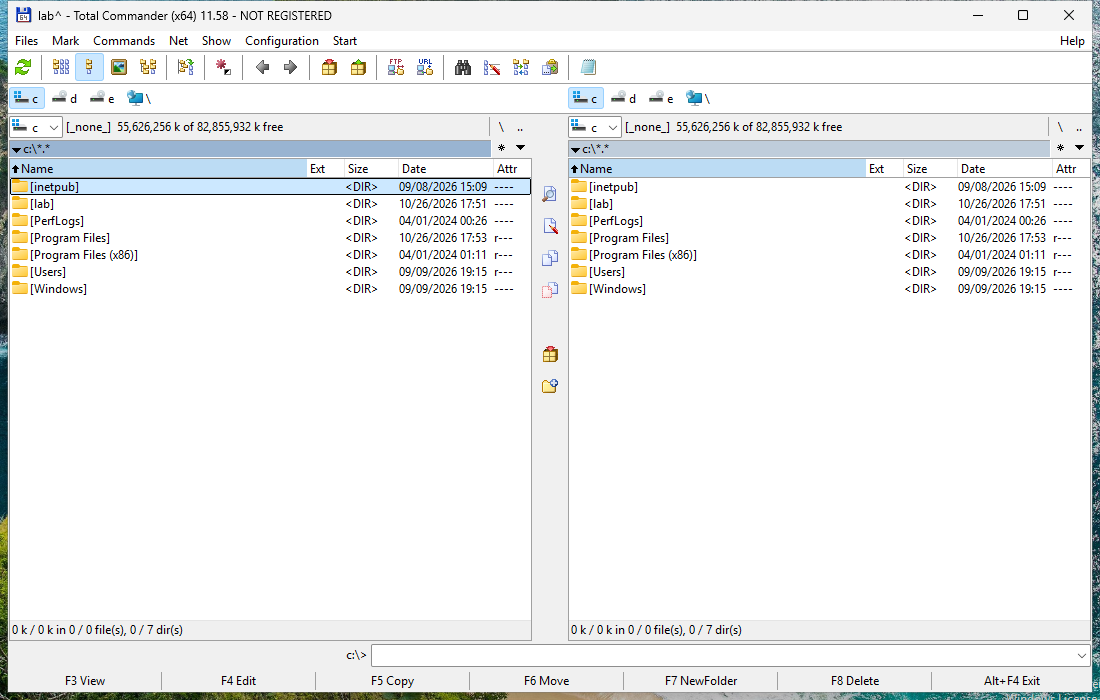
Frames from the lab session, cropped to Total Commander 64-bit (Remove or Repair)'s own windows.
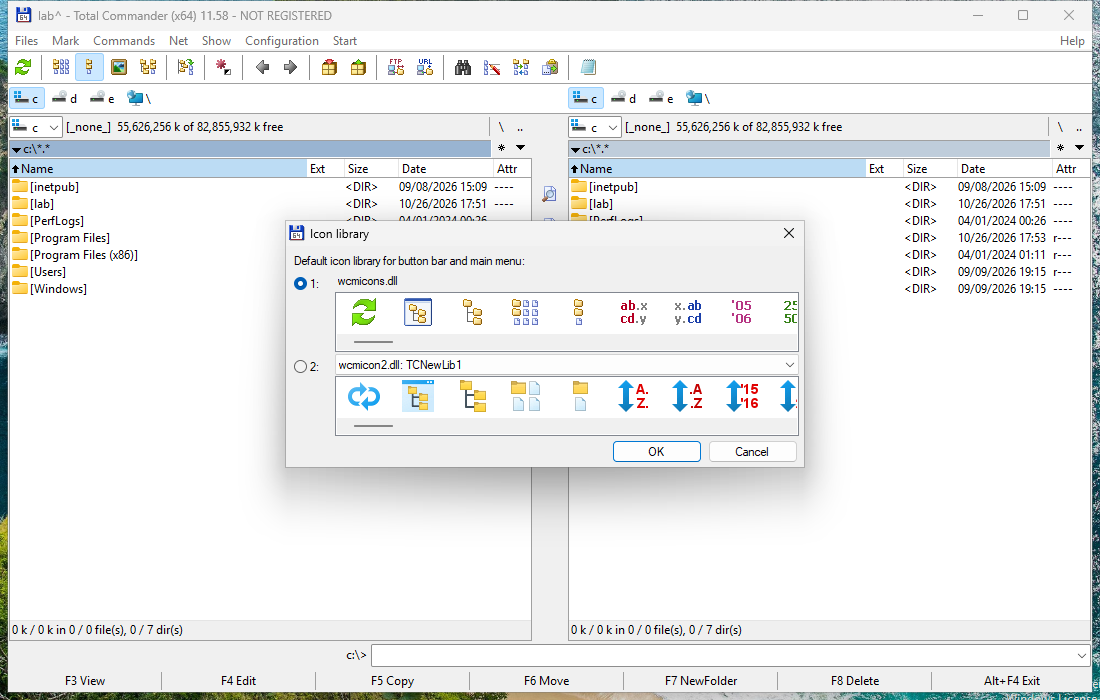
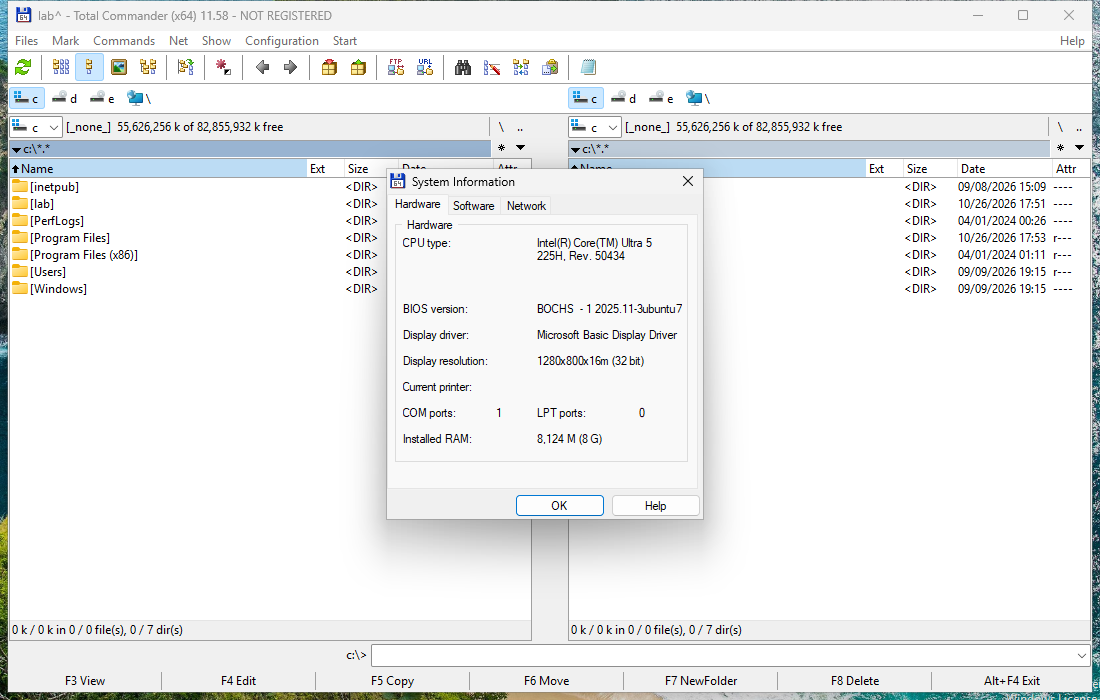
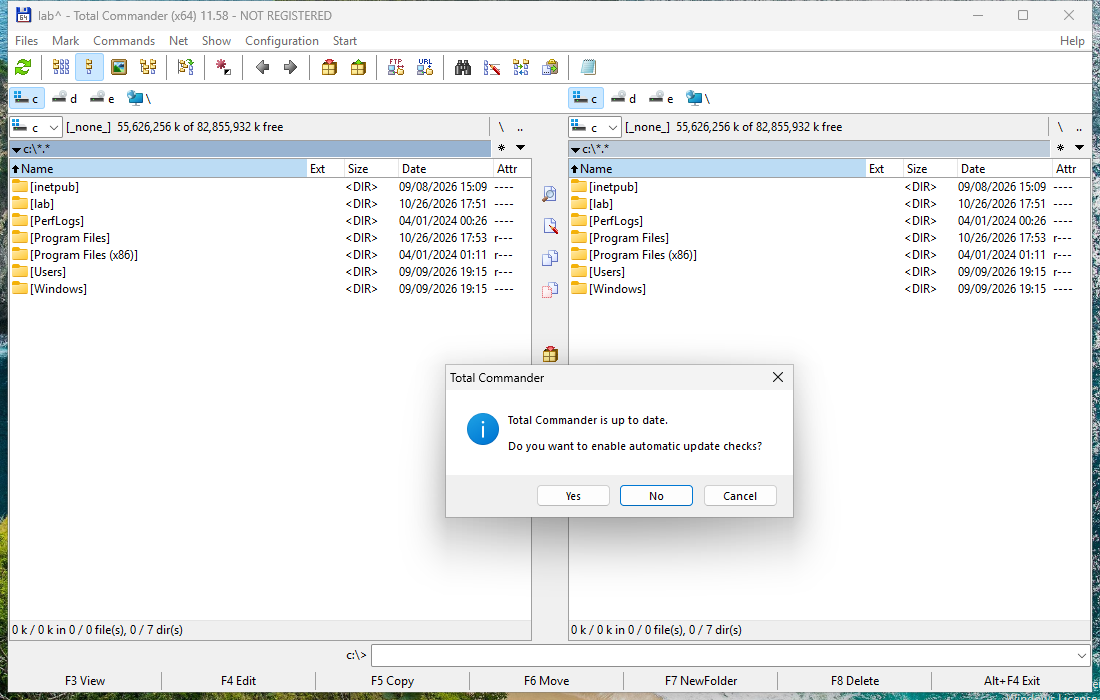
What it dropped
Executables
- totalcmd64.exesigned by CN=Ghisler Software GmbH, O=Ghisler Software GmbH, S=Bern, C=CHValidran during the lab sessionC:\Program Files\totalcmd\TOTALCMD64.EXEsha256 3c3858615480ac9f572f80711ab8b040e11442a1063e580a4800456043ca7836
- wcmicon2.dllC:\Program Files\totalcmd\WCMICON2.DLLsha256 9f1ee34b38da173f59bdf6172198ff2ec872fb75bc09ffa55cc3847ecda14cba
- tc7z64.dllC:\Program Files\totalcmd\TC7Z64.DLLsha256 9e5d8f70b404dd07e54aefbf653af1b984d327ceda571fe0029181ffe72556a7
- wcmicons.dllC:\Program Files\totalcmd\WCMICONS.DLLsha256 23498765aeb0f74007ecd45a8eb83d64d839ad8cacfce59f1d77621583dd61ef
- blakex64.dllC:\Program Files\totalcmd\BLAKEX64.DLLsha256 8b4c4c07d7f6c4acf5bc8319ac9019d39ec49ec21cf692f699f64ac681b786d7
- tcbit7z64.dllC:\Program Files\totalcmd\TCBIT7Z64.DLLsha256 264fef228646bc4e0119194b96358d84f5a619e4bcb99bbb53f8076d9f2b182b
- unrar64.dllC:\Program Files\totalcmd\UNRAR64.DLLsha256 894b7d2db8d6363eb12f30c7b89f48eab9e71963b8b438675bdd64c12dd59bcc
- tclzma64.dllC:\Program Files\totalcmd\TCLZMA64.DLLsha256 73006fb17e9c37712c5339ce211369d932846c6914b1ce16cf20bb7459b8dfab
- tczstd64.dllC:\Program Files\totalcmd\TCZSTD64.DLLsha256 3e685fa7fa373b8801155a669b3ce3b4fe7462fc9bcd249f65683c3917da4a82
- autopitch.dllC:\Program Files\totalcmd\FILTER64\AutoPitch.dllsha256 fe5424a41e84a22a21a18aff3460913aaf109f7fb4e48b9797aa5eb4e5f9c300
- soundtouchdll_x64.dllC:\Program Files\totalcmd\FILTER64\SoundTouchDLL_x64.dllsha256 ce6b11409715ac728983dc8774343a29c9932610e9b6ef11db3aabb30116dccd
- wcmzip64.dllC:\Program Files\totalcmd\WCMZIP64.DLLsha256 e728adc268471bc73b8a9cc221dea54e2f479ca51b27f67a04433a1b03f71a61
- tcunzl64.dllC:\Program Files\totalcmd\TCUNZL64.DLLsha256 20eb8a490d6e961a65fdfe7d13b78af2960cb574f1b1da1a430e81bcb5a985cd
- tcsharewin10x64.dllC:\Program Files\totalcmd\TCshareWin10x64.dllsha256 f35b63304a5a4192d5742de139c1518a59ee0020c4d8f37b2f2d6ae7732ffd9a
- libdeflate64.dllC:\Program Files\totalcmd\LIBDEFLATE64.DLLsha256 057e3507f65f3c6c3d3ebcf2c8264c4a3a2d1313a4033b78f44076c2972fa19d
- vmr9rotator.dllC:\Program Files\totalcmd\FILTER64\vmr9rotator.dllsha256 aad27e0645b63cb595e08eff4fbfb9597b079d69728d19e20b4cc0fa1e50c23e
- tcmadm64.exesigned by CN=Ghisler Software GmbH, O=Ghisler Software GmbH, S=Bern, C=CHValidran during the lab sessionC:\Program Files\totalcmd\TCMADM64.EXEsha256 e8109bbe77c92b6a46b7e7b87f2ba335cbd4f42e5ea3478fda99e5dd19a48447
- tcsha64.dllC:\Program Files\totalcmd\TCSHA64.DLLsha256 788042a21ad7394daa712fba23d97b5b822a6d56f67dd7b6e2c217324d30d746
- tcunin64.exesigned by CN=Ghisler Software GmbH, O=Ghisler Software GmbH, S=Bern, C=CHValidran during the lab sessionC:\Program Files\totalcmd\TCUNIN64.EXEsha256 a5fdb6a6cc5a172e4099b897e09b7eabca54e51f4ba83e6e1f604a9cda825739
- tcmdx32.exesigned by CN=Ghisler Software GmbH, OU=Development, O=Ghisler Software GmbH, L=Bolligen, S=Bern, C=CHValidran during the lab sessionC:\Program Files\totalcmd\TCMDX32.EXEsha256 ee0e8fba5d242d1bc6fe6ccc5ed7a15253b6a5fd65601fe4aa62a41ed0b94916
- noclose64.exesigned by CN=Ghisler Software GmbH, O=Ghisler Software GmbH, S=Bern, C=CHValidran during the lab sessionC:\Program Files\totalcmd\NOCLOSE64.EXEsha256 7aee6bcdd7425c6d7d917eaa03a3acc43f193784a5d0aea1d9e519fb54fb785e
- tcusbrun.exesigned by CN=Ghisler Software GmbH, OU=Development, O=Ghisler Software GmbH, L=Bolligen, S=Bern, C=CHValidran during the lab sessionC:\Program Files\totalcmd\TcUsbRun.exesha256 f5f6d01ca97bd69d137a31772b49dc158c86d1abec20ef739d361b38230517d7
- cglpt64.sysC:\Program Files\totalcmd\CGLPT64.SYSsha256 0108b00762de94c189224874dd064e6ec65ee8f3bff65801a6fb8d25af7de617
What it talked to
DNS
- releaseversion.ghisler.comasked by totalcmd64.exe