
GitHub Copilot CLI 1.0.110
by GitHub, Inc.installer signed by GitHub, Inc.Valid
Sources: observed in the EchoTrail lab on Windows 11 on November 13, 2026.
The install
- Installer
- copilot-x64.msi
- Installer type
- msi
- Installed through
- a type-detected silent switch
- Install directory
- C:\Users\lab\AppData\Local\GitHubCopilotCLI
- Launched
- copilot.exe
- Windows
- Windows 11
- Date
- November 13, 2026
- Executables dropped
- 2
installer sha256 f18ca51532f0dbd88b79009c9c7f24d5396756995ff59ec8e23c73cc648247a4
The lab used GitHub Copilot CLI for 4 minutes, then rebooted and watched what came back.
On screen
Frames from the lab session, cropped to GitHub Copilot CLI's own windows.
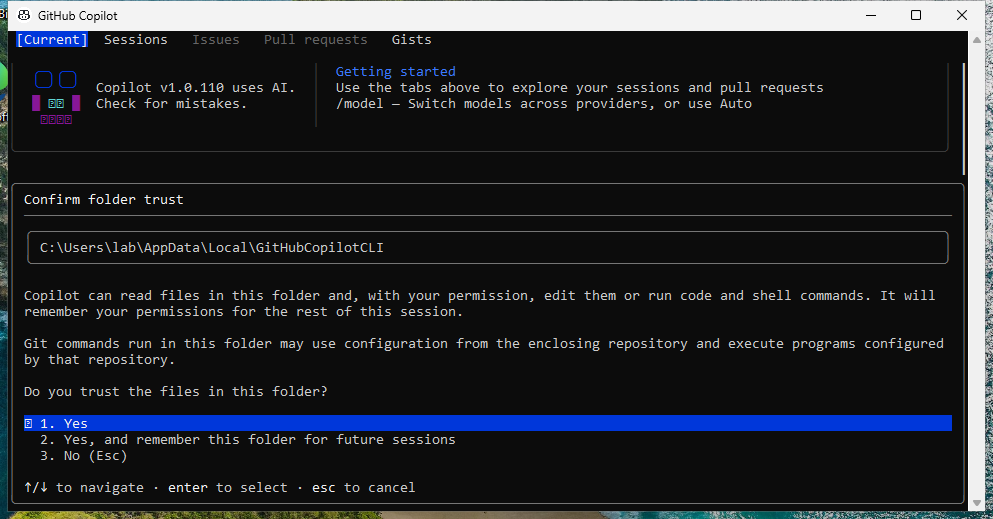
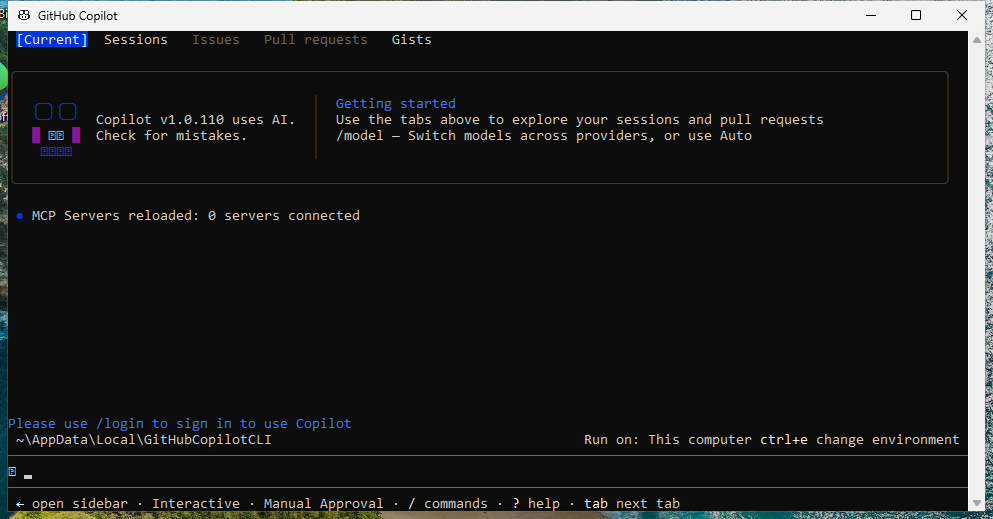
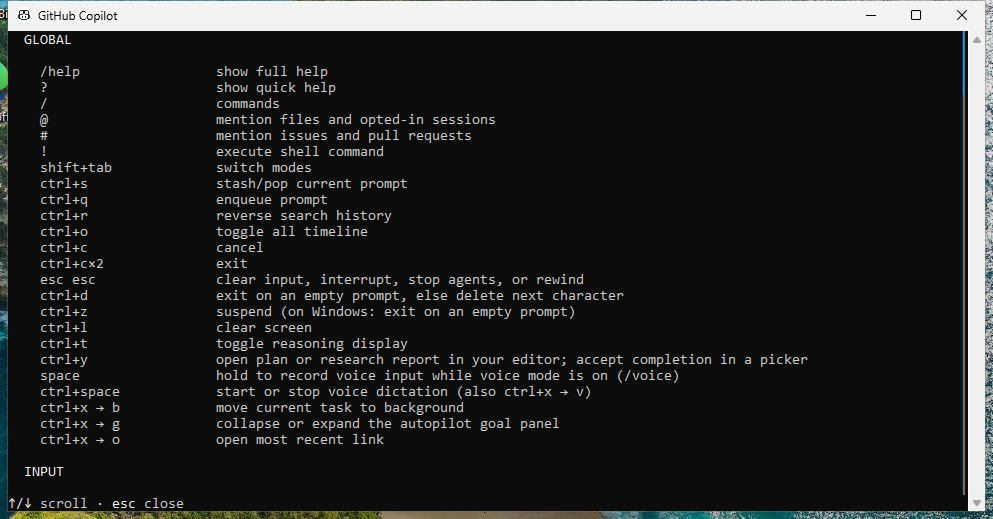
What it dropped
Executables
- copilot.exesigned by CN="GitHub, Inc.", O="GitHub, Inc.", L=San Francisco, S=California, C=USValidran during the lab sessionC:\Users\lab\AppData\Local\GitHubCopilotCLI\copilot.exesha256 682f3aeac32bc69ad9ac29842b216ca157da7264d6d9f4df581e0b8e58ea0120
- copilot-taskbar-activator.exesigned by CN="GitHub, Inc.", O="GitHub, Inc.", L=San Francisco, S=California, C=USValidran during the lab sessionC:\Users\lab\AppData\Local\GitHubCopilotCLI\copilot-taskbar-activator.exesha256 e1b765e94d67481b2dab3ad64c341b7403ca6ad20e32fae6963f9f0701e62cae
What it talked to
Destinations
- 140.82.113.5:443asked by copilot.exe
DNS
- api.github.comasked by copilot.exe
- wpad.lab.internalasked by copilot.exe