
HackerAI 0.0.62
by hackeraiinstaller signed by HACKERAI LLCValid
Sources: observed in the EchoTrail lab on Windows 11 on November 1, 2026.
The install
- Installer
- hackerai-windows-x64.exe
- Installer type
- nsis
- Installed through
- a type-detected silent switch
- Install directory
- C:\Users\lab\AppData\Local\HackerAI
- Launched
- hackerai-desktop.exe
- Windows
- Windows 11
- Date
- November 1, 2026
- Executables dropped
- 2
installer sha256 aaf41de57dd05e55d561a4a9bd83e77c6d6fe4b8e9b69685be25f0670998a63c
The lab used HackerAI for 2 minutes, changed a setting, then rebooted and watched what came back.
On screen
Frames from the lab session, cropped to HackerAI's own windows.
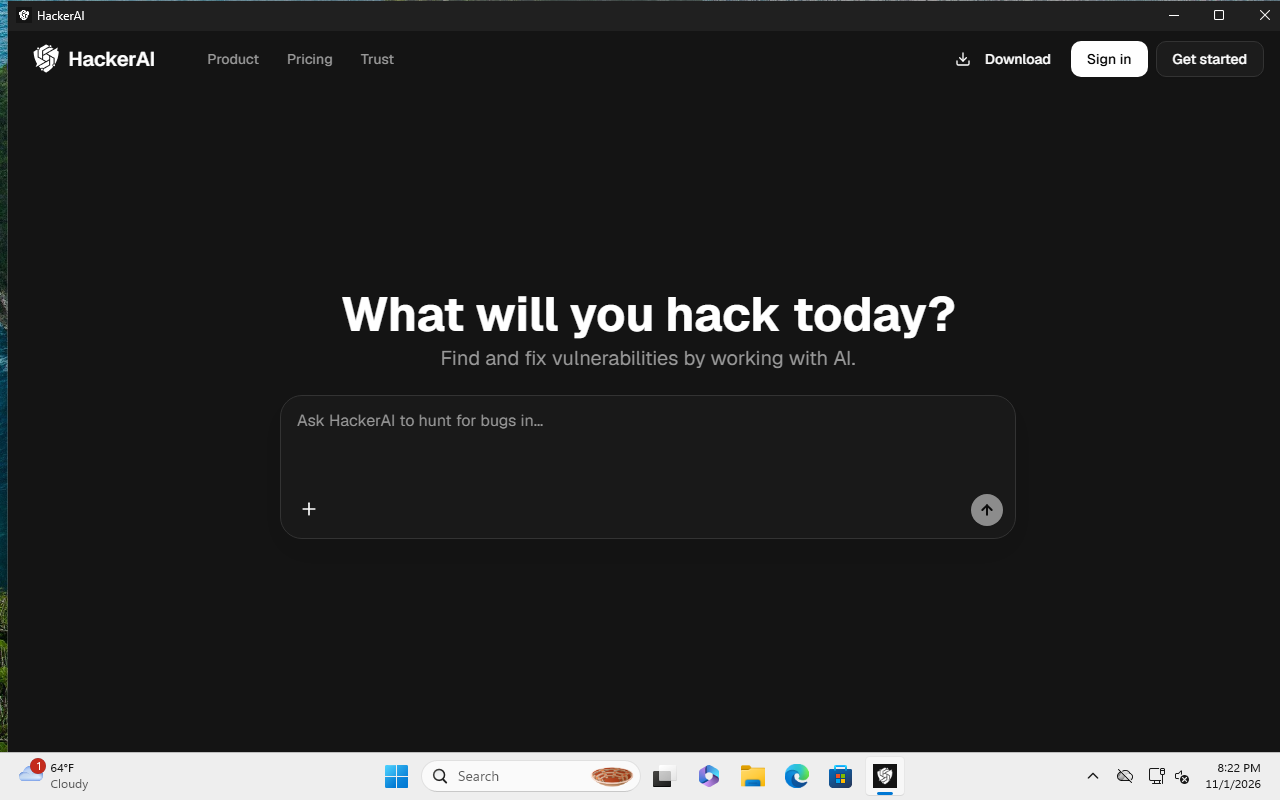
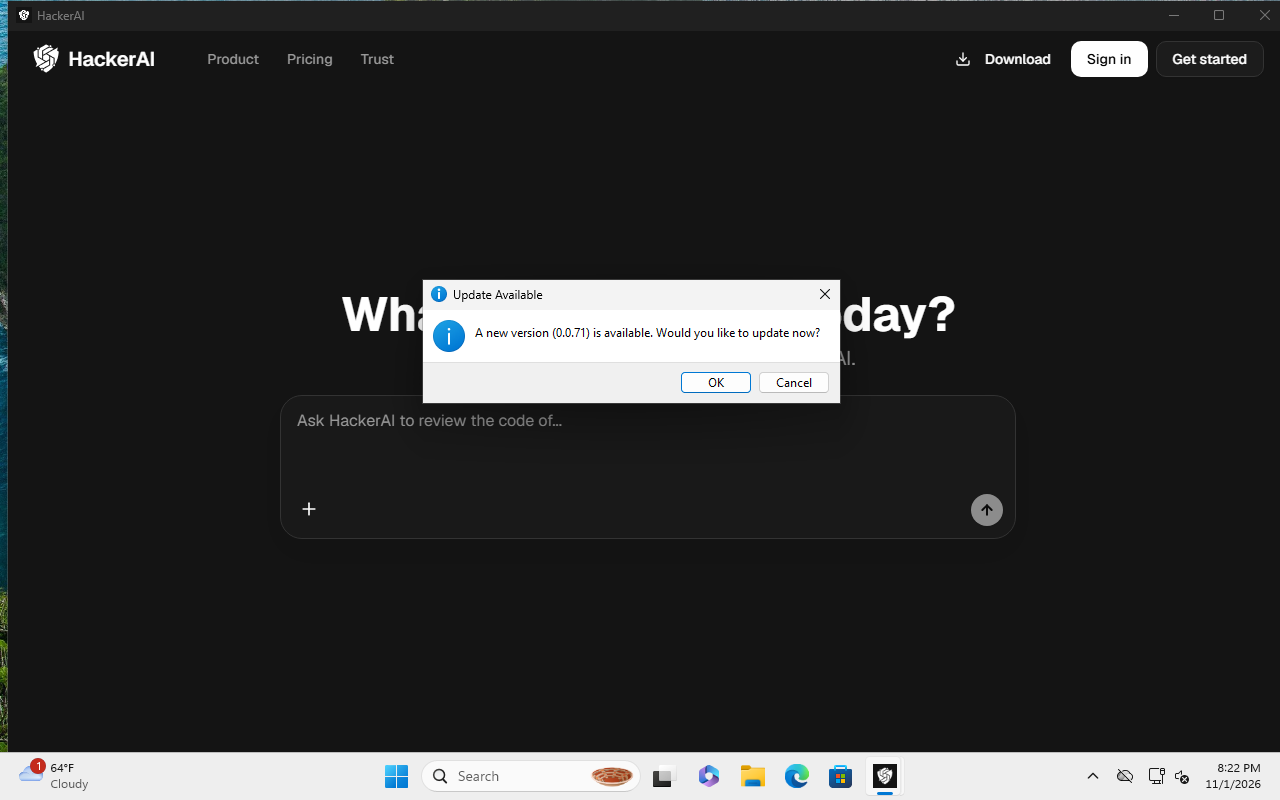
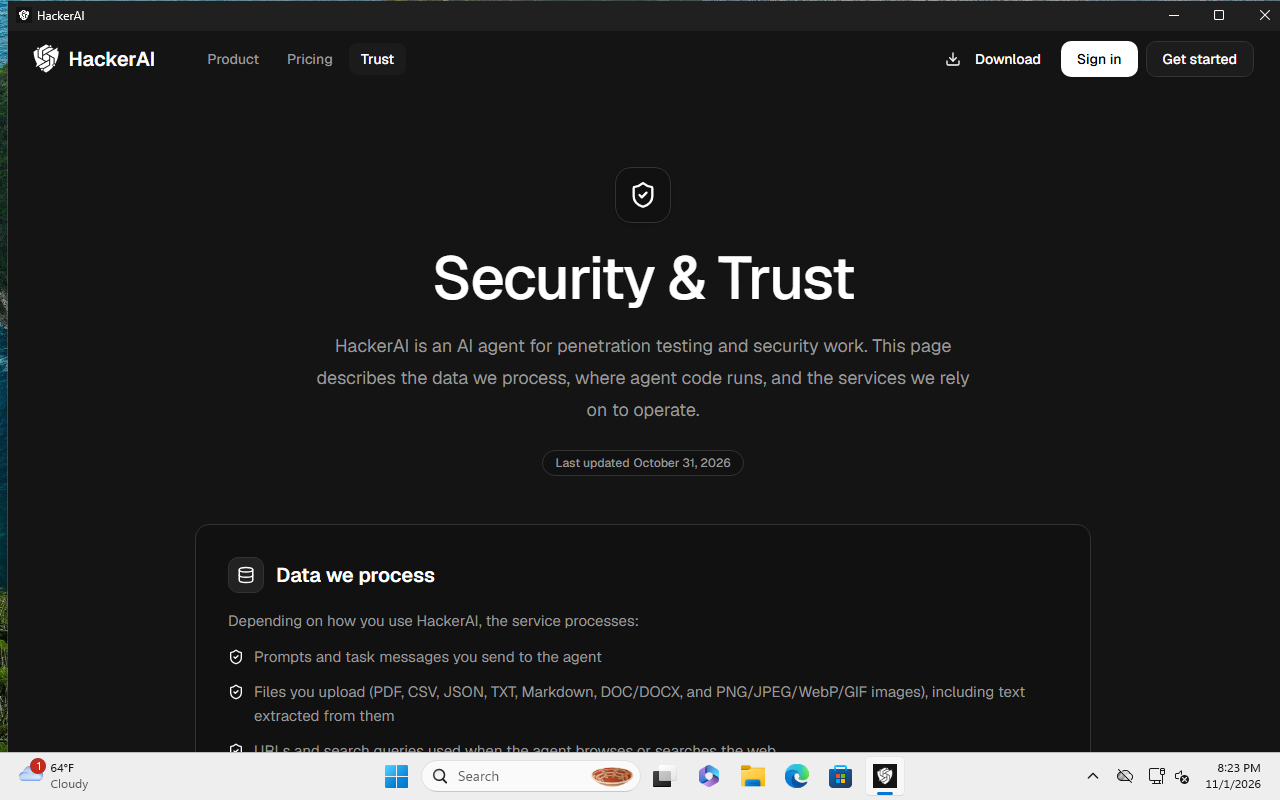
What it dropped
Executables
- hackerai-desktop.exeNotSignedran during the lab sessionC:\Users\lab\AppData\Local\HackerAI\hackerai-desktop.exesha256 9f06f19b74d57261a270e211a9e9549ac3a72abebcc377aba95b0d49c0b9e9b3
- C:\Users\lab\AppData\Local\HackerAI\uninstall.exesha256 3c90a15cd01c5cb3094ca46bd75970618ed7f69b9ec1c1a060539629e7a0f2cd
What it talked to
Destinations
- 104.18.20.213:80asked by hackerai-desktop.exe
- 104.18.38.233:80asked by hackerai-desktop.exe
- 140.82.112.3:443asked by hackerai-desktop.exe
- 185.199.109.133:443asked by hackerai-desktop.exe
DNS
- github.comasked by hackerai-desktop.exe
- ocsp.sectigo.comasked by hackerai-desktop.exe
- release-assets.githubusercontent.comasked by hackerai-desktop.exe
- yr1.c.lencr.orgasked by hackerai-desktop.exe