
VRS Recording System 5.48
by NCH Softwareinstaller signed by NCH Software Pty LtdValid
Sources: observed in the EchoTrail lab on Windows 11 on November 10, 2026.
The install
- Installer
- vrssetup.exe
- Installed through
- the window clicker
- Install directory
- C:\Program Files (x86)\NCH Software
- Launched
- vrs.exe
- Windows
- Windows 11
- Date
- November 10, 2026
- Executables dropped
- 4
installer sha256 405efd5bc3eafdc85b84c508ce7f1b62a47bab55ed86e7a814734c77d25ae434
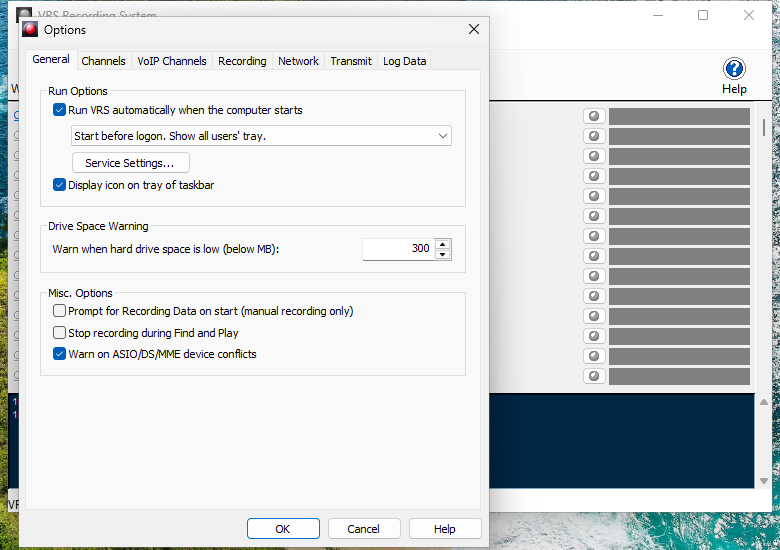
The lab used VRS Recording System for 3 minutes, changed a setting, then rebooted and watched what came back.
On screen
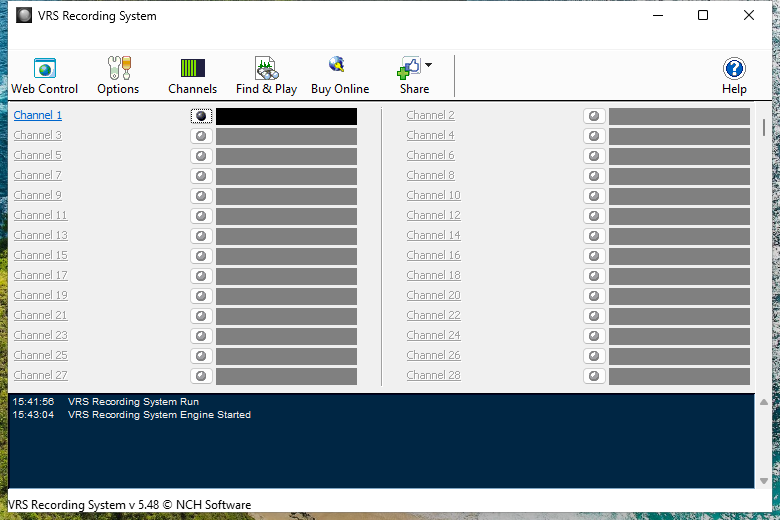
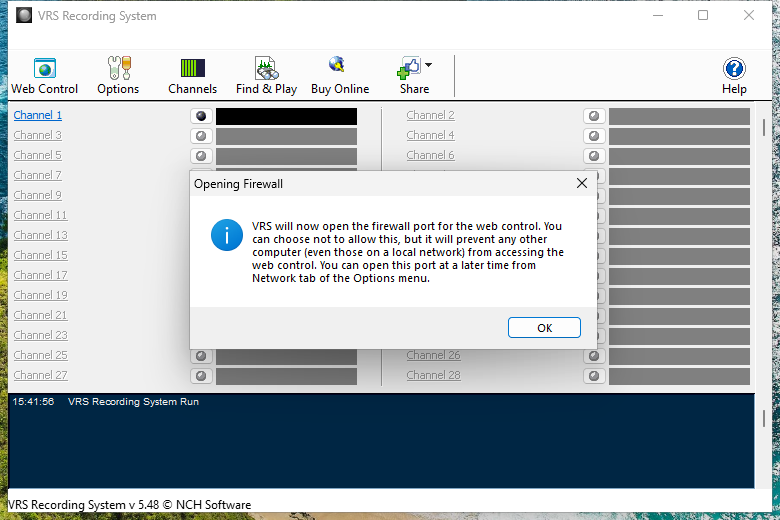
Frames from the lab session, cropped to VRS Recording System's own windows.
What it dropped
Executables
- vrs.exesigned by CN=NCH Software Pty Ltd, O=NCH Software Pty Ltd, L=Canberra, S=Australian Capital Territory, C=AU, SERIALNUMBER=126 018 657, OID.2.5.4.15=Private Organization, OID.1.3.6.1.4.1.311.60.2.1.3=AUValidran during the lab sessionC:\Program Files (x86)\NCH Software\VRS\vrs.exesha256 aa9f9c3c60490595339221dbe0107e06ffa84e32e486cd9bc18dae7d558cec98
- vrssetup_v5.48.exesigned by CN=NCH Software Pty Ltd, O=NCH Software Pty Ltd, L=Canberra, S=Australian Capital Territory, C=AU, SERIALNUMBER=126 018 657, OID.2.5.4.15=Private Organization, OID.1.3.6.1.4.1.311.60.2.1.3=AUValidC:\Program Files (x86)\NCH Software\VRS\vrssetup_v5.48.exesha256 405efd5bc3eafdc85b84c508ce7f1b62a47bab55ed86e7a814734c77d25ae434
- mp3el.exeNotSignedran during the lab sessionC:\ProgramData\NCH Software\VRS\mp3el.exesha256 10e319743e94b578b3794255e4ac47c2da92a8d8fd7b53083b6cf0662d2997d4
- mp3enc.exeC:\Program Files (x86)\NCH Software\Components\mp3el\mp3enc.exesha256 5469fc0d10b52c6a369bdba738d173f3601587ec345fae18c4311d3e7c282fa4
Services
- VRSService (Auto)"C:\Program Files (x86)\NCH Software\VRS\vrs.exe" -service
Scheduled tasks
- VRSSevenDaysC:\Program Files (x86)\NCH Software\VRS\VRS.exe -sevendays
Run keys
- VRS"C:\Program Files (x86)\NCH Software\VRS\vrs.exe" -logon
After the reboot
Started on its own
- wavepad.exe started by explorer.exe
- vrs.exe started by runonce.exe
Autostart entries
- run key: VRS"C:\Program Files (x86)\NCH Software\VRS\vrs.exe" -logon
- run key: WavePadRunOnStartup"C:\Program Files (x86)\NCH Software\WavePad\wavepad.exe" -runonstartup
- scheduled task: ExpressBurnNotifyInstalledReminderC:\Program Files (x86)\NCH Software\ExpressBurn\ExpressBurn.exe -notifyinstalled
- scheduled task: ExpressBurnSevenDaysC:\Program Files (x86)\NCH Software\ExpressBurn\ExpressBurn.exe -sevendays
- scheduled task: WavePadNotifyInstalledReminderC:\Program Files (x86)\NCH Software\WavePad\WavePad.exe -notifyinstalled
- scheduled task: WavePadUpdateCheckC:\Program Files (x86)\NCH Software\WavePad\WavePad.exe -updatecheck
- service: VRSService"C:\Program Files (x86)\NCH Software\VRS\vrs.exe" -service
What it talked to
Destinations
- 173.194.206.139:80asked by vrs.exe2 connections
- 173.247.253.164:443asked by nchsetup.exe2 connections
- 66.39.83.117:80asked by vrs.exe2 connections
- 173.247.253.164:80asked by vrs.exe
DNS
- secure.nch.com.auasked by nchsetup.exe
- audiochannel.netasked by vrs.exe
- cgi.nch.com.auasked by vrs.exe
- google.comasked by vrs.exe