
Warp v0.2026.11.04.08.17.stable_01
by Denver Technologies, Inc.installer signed by Denver Technologies, Inc. dba WarpValid
Sources: observed in the EchoTrail lab on Windows 11 on November 13, 2026.
The install
- Installer
- windows?version=v0.2026.11.04.08.17.stable_01&arch=x86_64
- Installer type
- inno
- Installed through
- a type-detected silent switch
- Install directory
- C:\Users\lab\AppData\Local\Programs
- Launched
- warp.exe
- Windows
- Windows 11
- Date
- November 13, 2026
- Executables dropped
- 9
installer sha256 a50d6082208a195da9e7f2357da4866e7133b937a28ff1962772e7e232986531
The lab used Warp for 4 minutes, changed a setting, then rebooted and watched what came back.
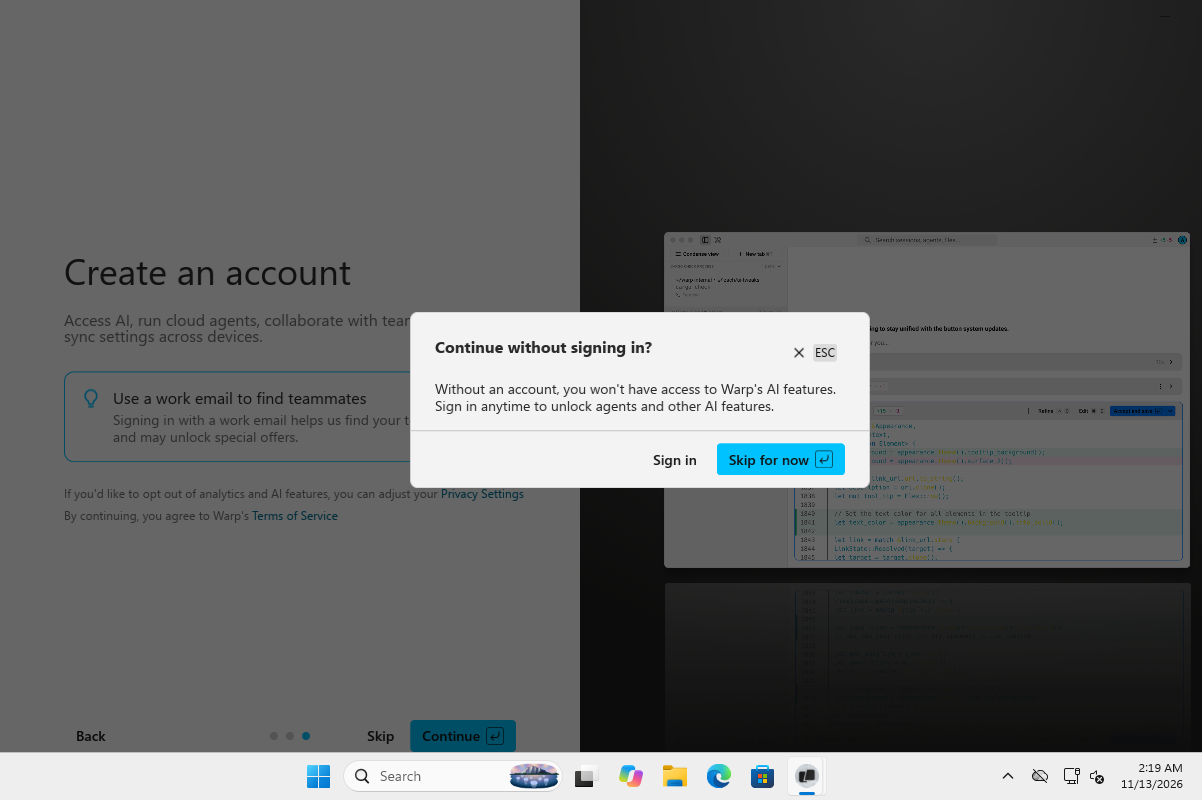
On screen
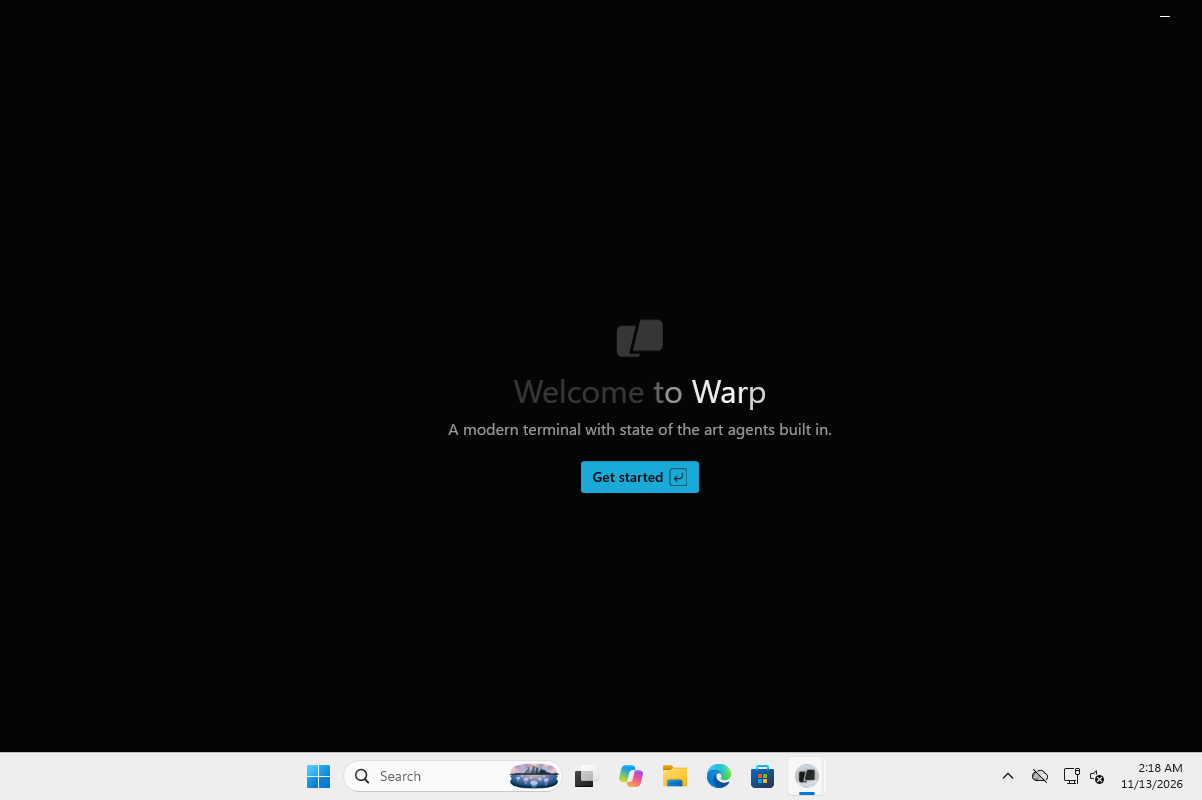
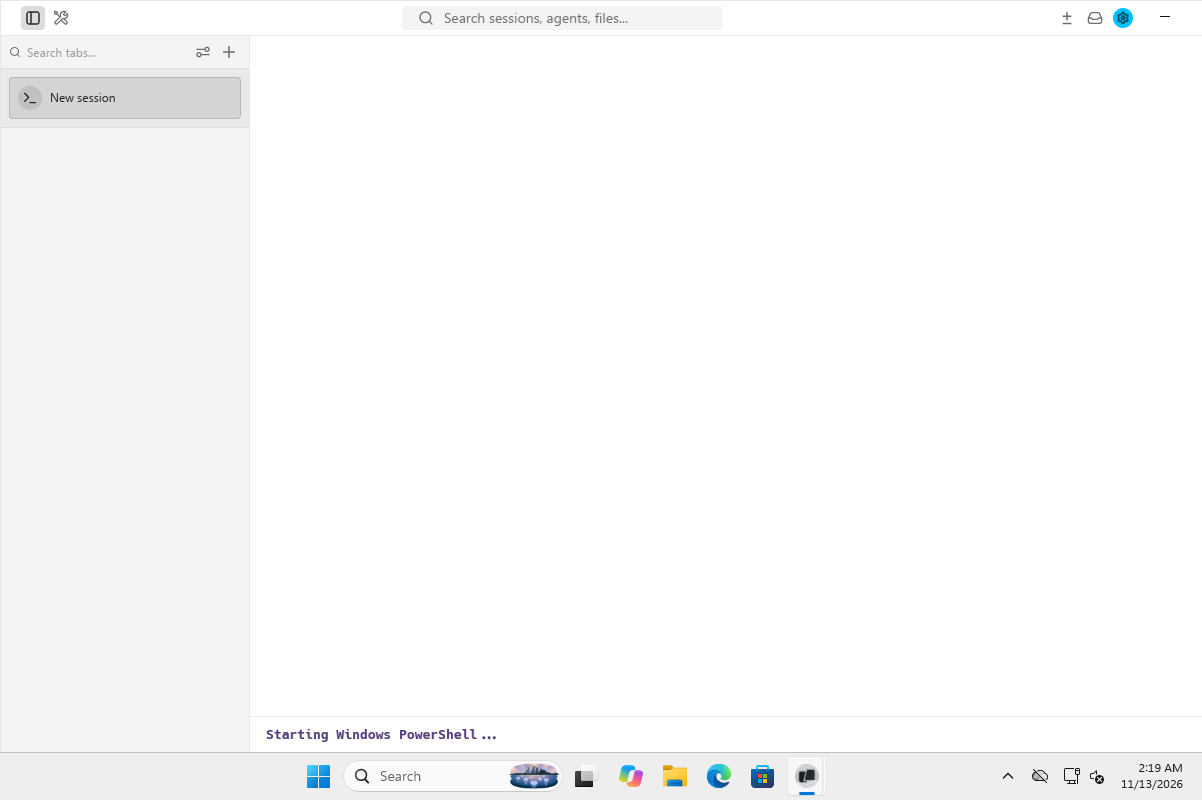
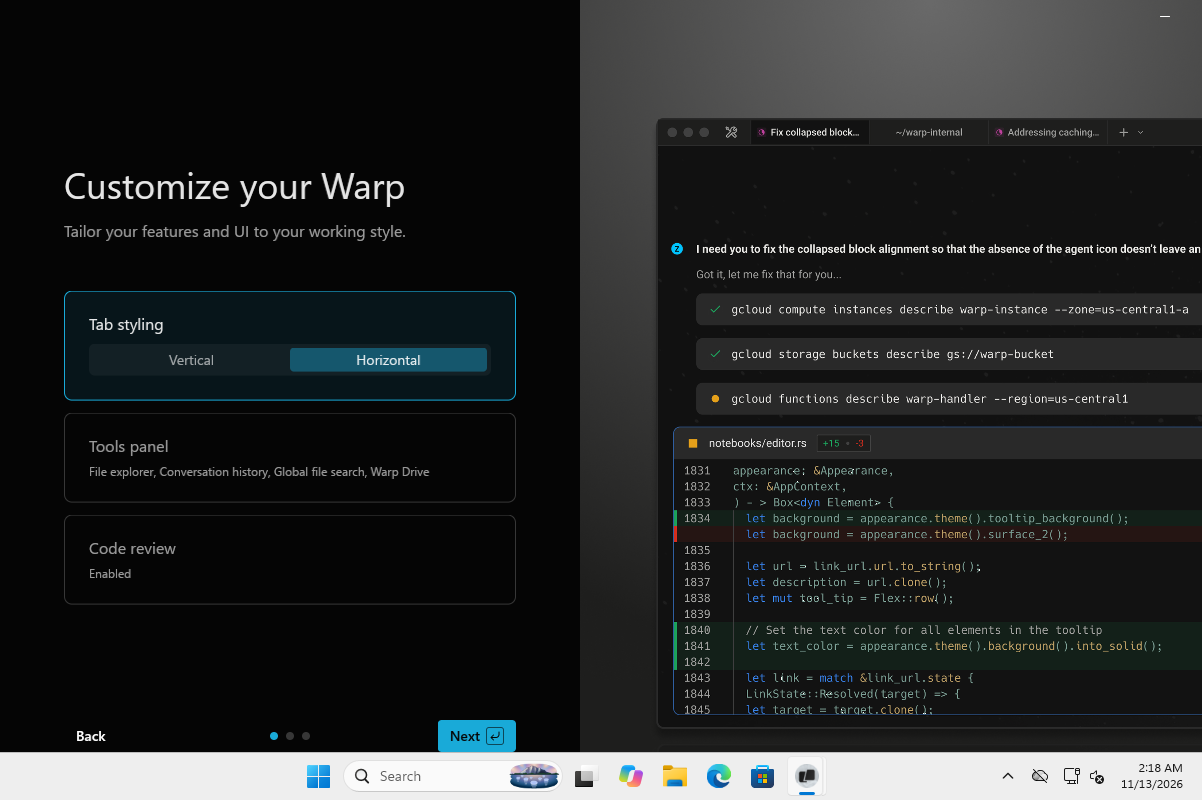
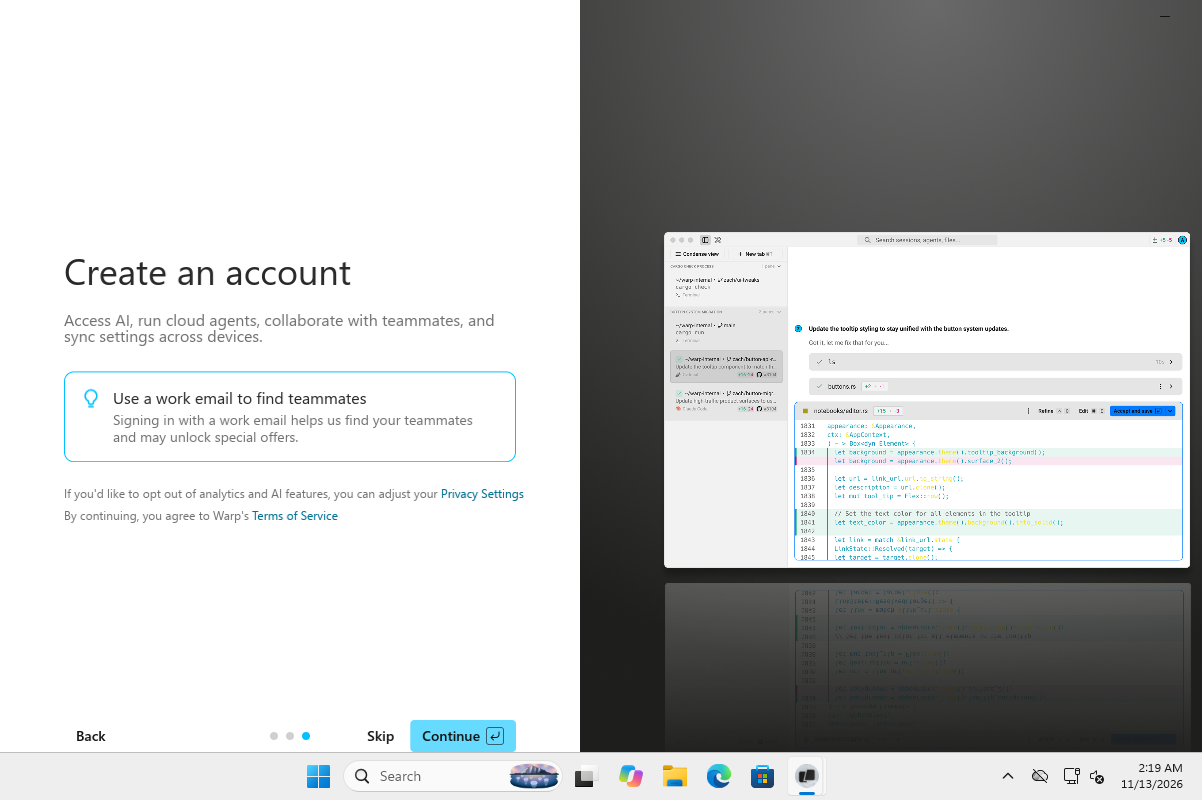
Frames from the lab session, cropped to Warp's own windows.
What it dropped
Executables
- warp.exesigned by CN="Denver Technologies, Inc. dba Warp", O="Denver Technologies, Inc. dba Warp", L=New York, S=New York, C=USValidran during the lab sessionC:\Users\lab\AppData\Local\Programs\Warp\warp.exesha256 ca38ce767237e9df29722daa9d616534529a77151f556ead3e41b532c2fea3ad
- dxcompiler.dllC:\Users\lab\AppData\Local\Programs\Warp\dxcompiler.dll
- C:\Users\lab\AppData\Local\Programs\Warp\unins000.exe
- dxil.dllC:\Users\lab\AppData\Local\Programs\Warp\dxil.dll
- openconsole.exesigned by CN="Denver Technologies, Inc. dba Warp", O="Denver Technologies, Inc. dba Warp", L=New York, S=New York, C=USValidran during the lab sessionC:\Users\lab\AppData\Local\Programs\Warp\x64\OpenConsole.exesha256 4d15feeb94ef74cc5baf14941d4749311dc8bb88d3b6d6f6a673fd577913f013
- msvcp140.dllC:\Users\lab\AppData\Local\Programs\Warp\msvcp140.dll
- vcruntime140.dllC:\Users\lab\AppData\Local\Programs\Warp\vcruntime140.dll
- conpty.dllC:\Users\lab\AppData\Local\Programs\Warp\conpty.dll
- vcruntime140_1.dllC:\Users\lab\AppData\Local\Programs\Warp\vcruntime140_1.dll
After the reboot
Started on its own
- warp.exe started by warp.exe
Autostart entries
- run key: Warp"C:\Users\lab\AppData\Local\Programs\Warp\warp.exe"
What it talked to
Destinations
- 54.175.92.109:443asked by warp.exe7 connections
- 34.117.41.85:443asked by warp.exe4 connections
- 142.251.183.94:80asked by warp.exe2 connections
- 23.15.253.120:80asked by warp.exe2 connections
- 104.18.20.213:80asked by warp.exe
- 172.66.162.145:443asked by warp.exe
DNS
- app.warp.devasked by warp.exe
- warpianwzlfqdq.dataplane.rudderstack.comasked by warp.exe
- c.pki.googasked by warp.exe
- releases.warp.devasked by warp.exe
- x1.i.lencr.orgasked by warp.exe
- ye1.c.lencr.orgasked by warp.exe